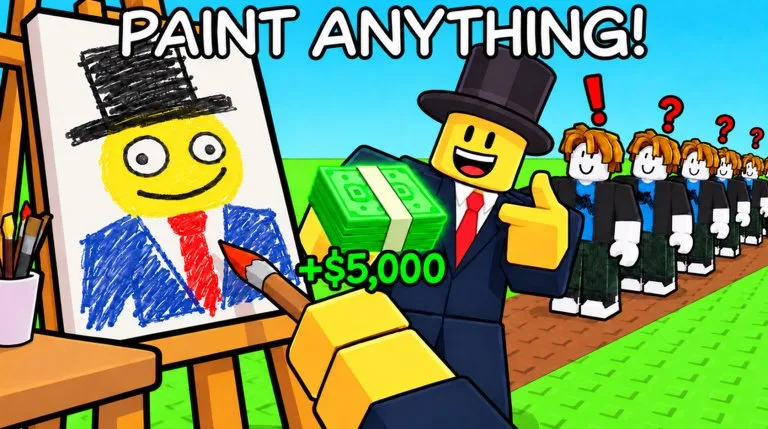
Paint to Get Rich is a free Simulation / Tycoon experience by Toasty Works. A run starts with an empty studio. You paint a canvas, put the finished piece on a display table, and wait for a buyer to make an offer. Cash from that sale is what you spend on the green buttons around your plot.
The official description calls the current update W2 / The Museum. The Museum is a later world, not the first room. Learn the sale on Artist Alley before you Prestige.
Controls that are documented
Published keyboard and mouse controls are:
| Action | Input |
|---|---|
| Move | W, A, S, D |
| Jump | Space |
| Interact | E |
| Select a tool or paint on a canvas | Left mouse button |
Touch or controller bindings are not described in the same notes. Use the on-screen prompts in a phone or console session rather than assuming these keys exist there.
Make the first sale
- Walk up to a canvas in the starter studio and paint with the left mouse button. The official pitch is that you can paint anything; the tools themselves are described as basic.
- Finish the painting. Finishing is what produces a grade and awards Stars. The grade is part of the appraisal and is what buyers are pricing. It is not established whether the grade follows brush-stroke count or how complex the picture looks.
- Place the painting on a display stand or table. Buyers do not price a canvas that is still only in your hands.
- Wait. A collector walks the studio and makes an offer. You can negotiate, accept, or decline.
- When the number is one you want, press Sell. Cash is added to your balance. Declining leaves you free to wait for another offer, but the painting has to stay on display for that to happen.
That Cash is the only documented way to pay for studio buttons. Hired painters exist later; they are not how you fund the first buttons.
Spend the first Cash on a green button
Green buttons sit on your plot. Step on one when you can afford the Cash cost printed on it. Known results include new artists, walls, ceiling, and other studio features. A published count puts the studio at 33 upgrades, with the whole set described as costing upwards of several million Cash. Individual button prices are not published outside the live plot, so read the button you are about to step on.
A larger studio is described as drawing more buyers and better offers. After a sale, the practical next step is the next progression button you can afford, not sitting on a balance you have no plan for.
Prestige changes that advice later. The Prestige menu asks for a Cash total, then deletes your Cash. Early on, buy buttons that raise future offers. When you are close to the Cash line in the Prestige menu, read that line before you spend the pile you need for the reset. The full reset rules are in the Prestige and Museum guide.
What the first session is not
- There is no published list of named painters, paint grades, or per-button prices. Use the names and numbers on your own plot.
- Promo art on the Roblox page shows large money figures. Those graphics are not a price table. The currency you spend in the documented loop is Cash.
- Gameplay write-ups do not describe a steal action. Paintings in this loop come from your own canvas and from buyers. Do not follow a video that promises a steal just because the title uses this game's name.
- No promo code is documented. The codes page explains that gap. Do not type codes from other Roblox painting games.
Stop when this is true
You have finished at least one painting, seen its appraisal, sold it from a table, and spent some of that Cash on a green button. From there, keep painting so Stars and completed sales keep moving, and open selling and the auction house once the third floor exists.